.svg)







With ViralSweep, you can create a contest on your website in just a few minutes.You have the option of multiple contest formats, which allow you to create a contest that takes over a full page of your website, or you can use our embeddable pop-up widget that lets you place a contest on the most important pages of your website.Please click here to see our updated documentation on creating a giveaway with ViralSweep.
Create a Contest With the Full Page Widget
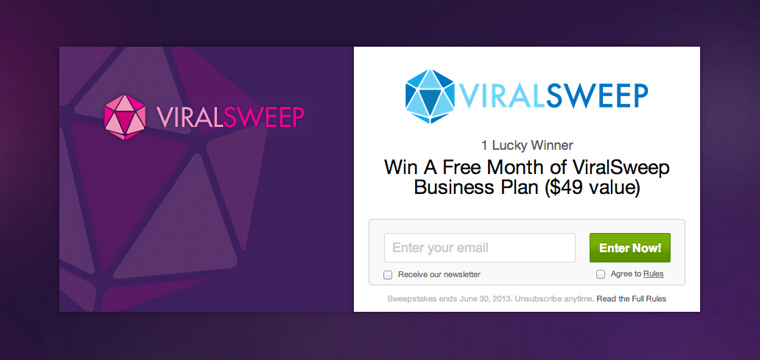
ViralSweep's full-page widget option allows you to run a contest on any domain that you want.For example, if you own Cookies.com and you want to run a contest, you can set up the page Cookies.com/contest and place the ViralSweep code on that page to display the full page widget.
Benefits
- High conversion rates (average of 50% or higher)
- Fully customizable to fit your website style
- Social sharing options for Facebook, Twitter, and Pinterest built-in
- Hosted on your own domain
Create a Contest With the Pop-up Widget

ViralSweep's embeddable pop-up widget allows you to run a contest on multiple pages of your website.Once you finish setting up your giveaway, simply copy the widget code and paste it above the closing </body> tag on any page of your website that you want the widget to display.
Benefits
- Easy to implement
- Users can enter your giveaway from any page of your website
- Slides up on page load; stays collapsed on repeat visits
- Social sharing options for Facebook, Twitter, and Pinterest built-in
Create a Contest With the In-Page Widget
Our embeddable widget allows you to embed your contest directly into any page, such as a blog post.
.avif)